◀ All games

Converge

Geometry puzzle · 1 player

Collapse constellations into a single star.

Free · Browser, Phone

Converge
● Converge Free play
FREE PLAY

Every game on this site is free. No price, no sign-up. If you enjoy them, a donation of any size helps me keep making more.

♥ Support me

// 01 · What is it?

The game

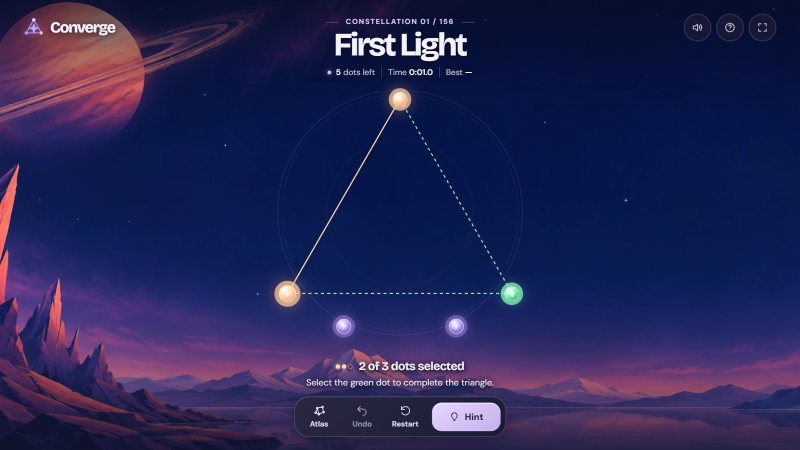
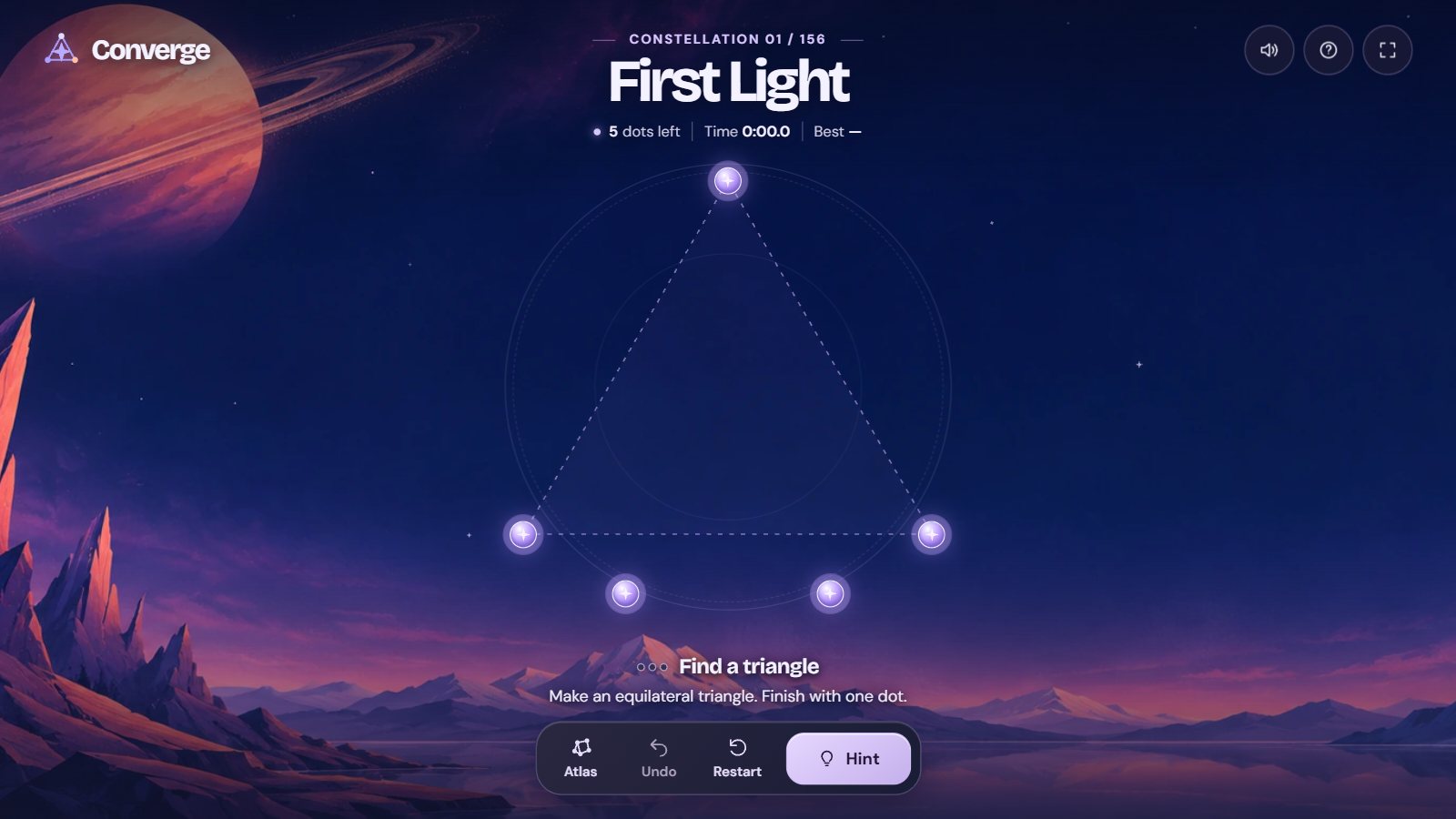
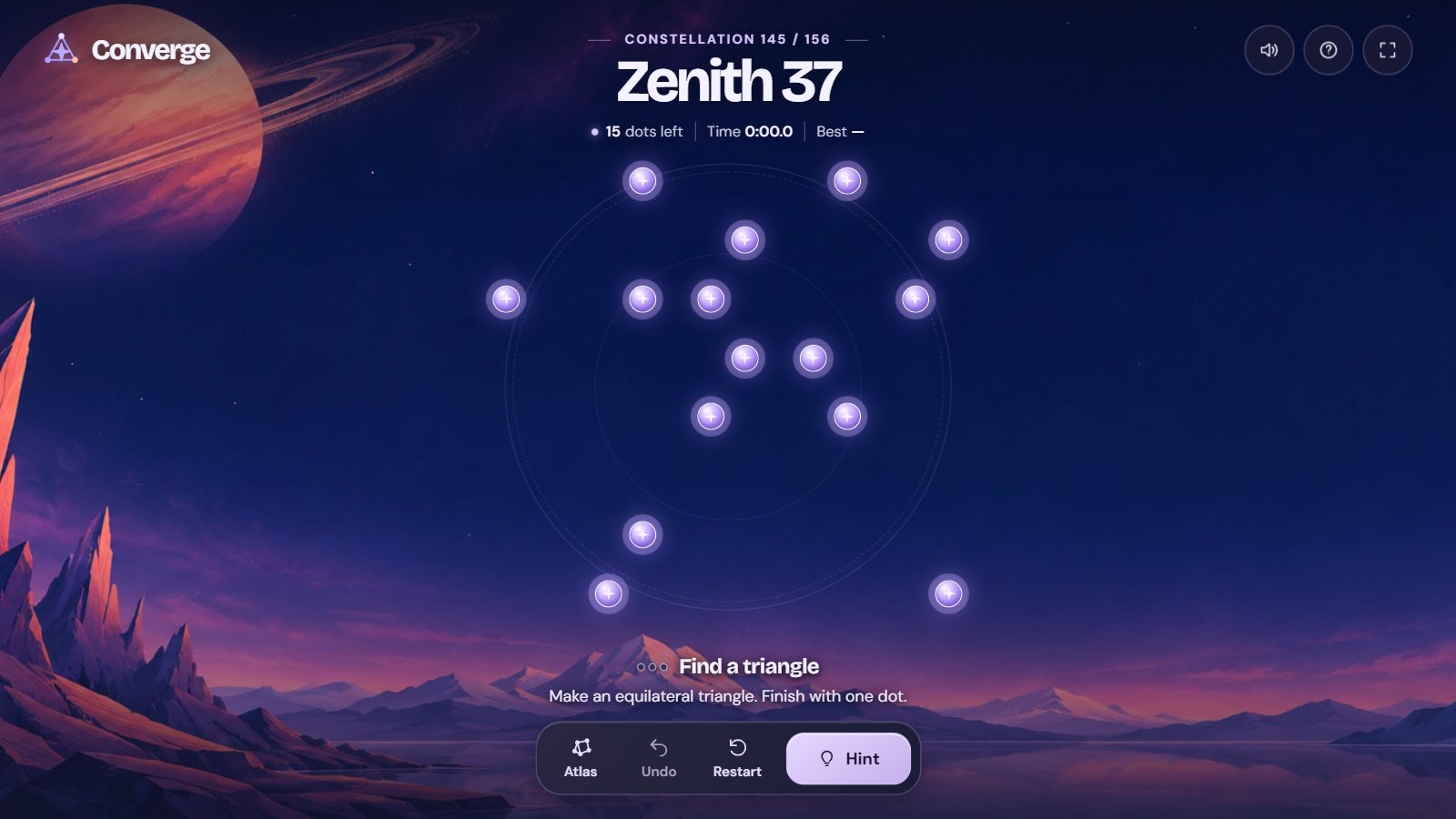
Converge is a quiet puzzle game with one rule. Find three dots that form an equilateral triangle, bring them together into a single dot at the centre, then use that new dot to build your next triangle. Finish with one dot.

Every move changes what is possible next. The dot you create opens up new triangles, and the three you used are gone. The puzzle is finding the order that leaves you with one star instead of a few stranded ones.

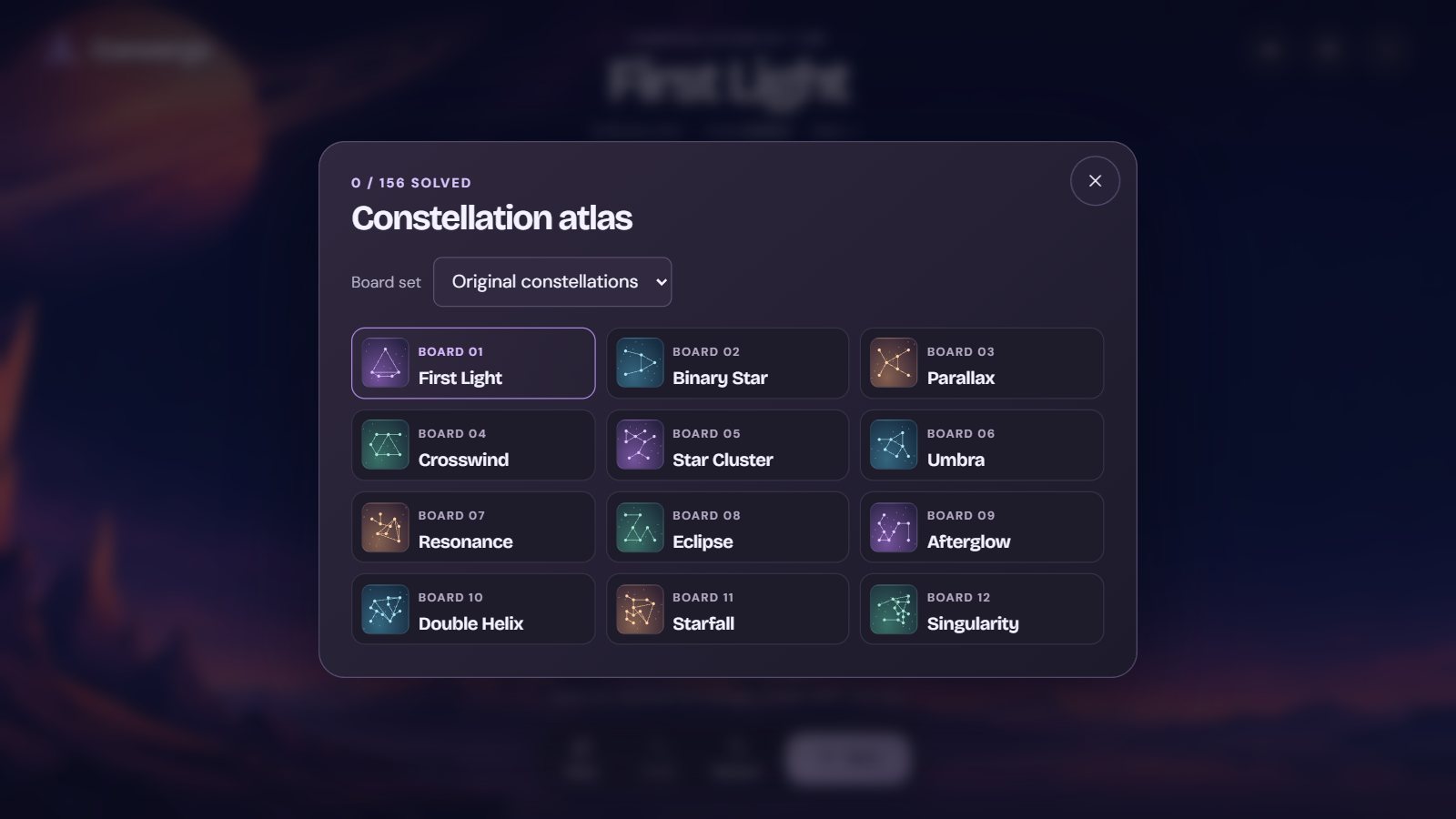
The atlas holds 156 constellations, from five dots up to fifteen. Each board is timed and keeps your best time. You can undo a collapse or restart whenever you want to try another path, and if a board has you beaten the game will show you a triangle that still leads to the finish.

  • One rule
  • One-finger play
  • Undo any move
  • Hints when stuck
  • Best times
  • Works offline
156Constellations
5 to 15Dots on a board
1Rule to learn
1Dot to finish

// 03 · Instructions

How to play

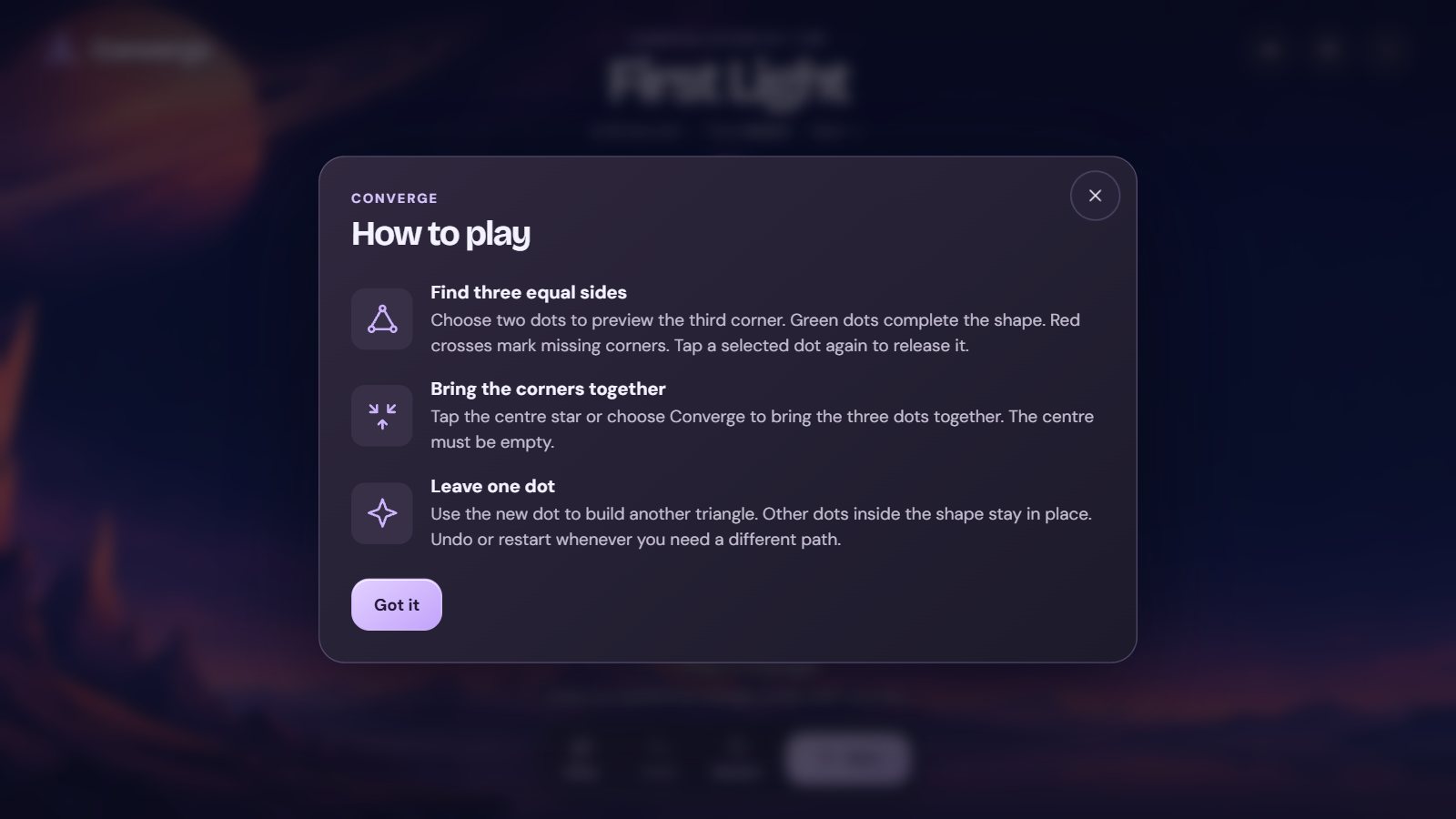
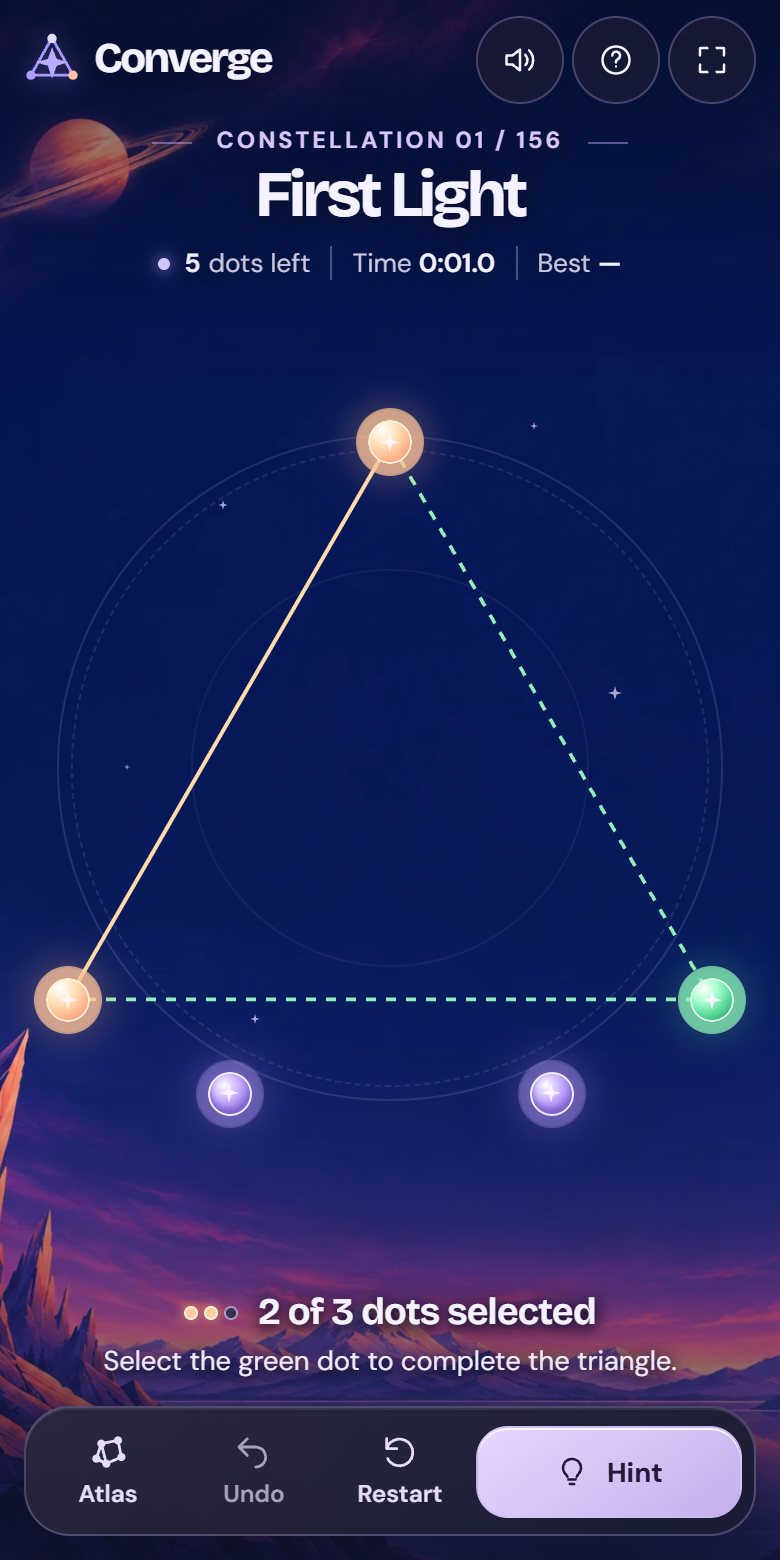
  1. Find three equal sides

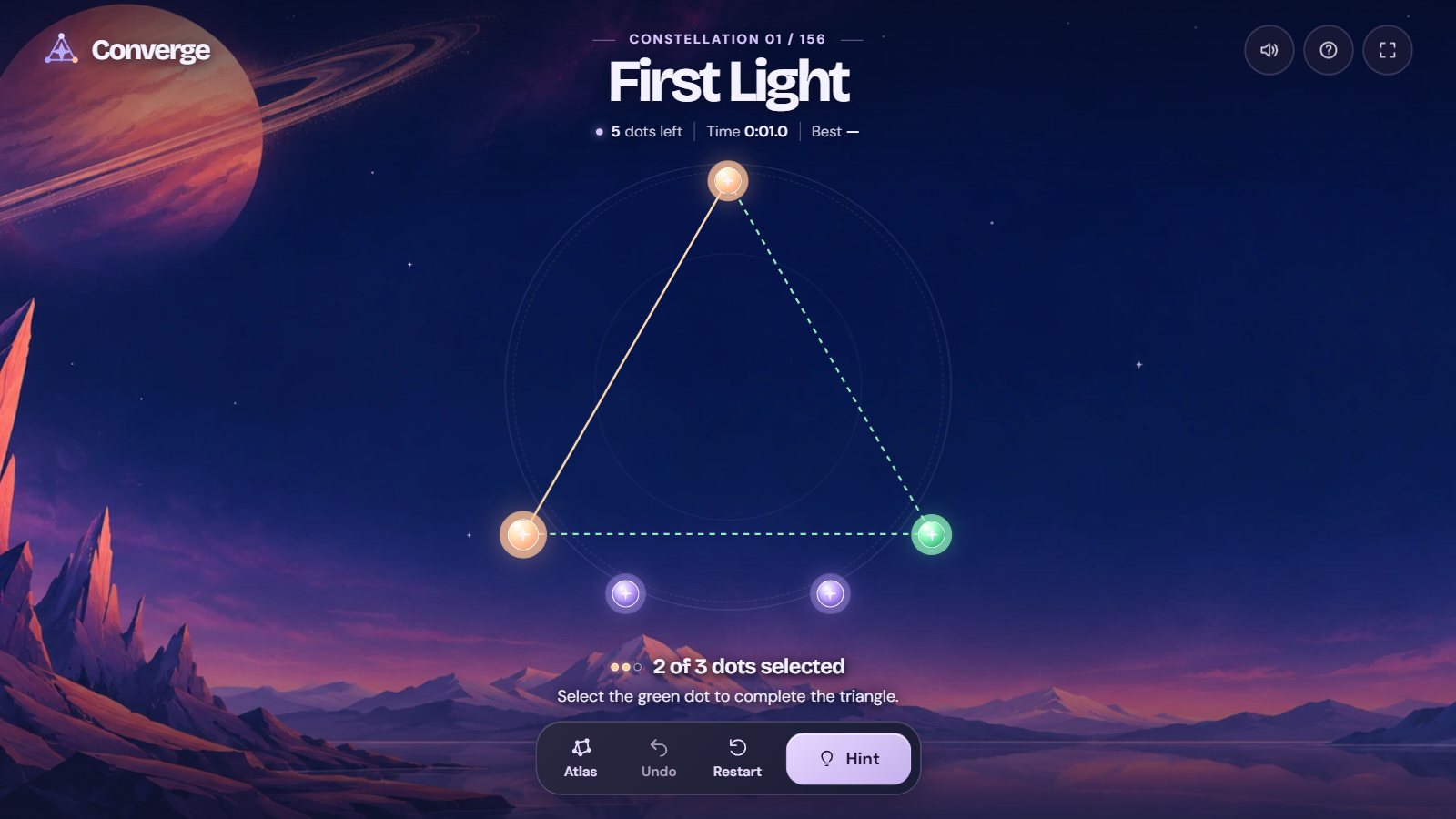
    Choose two dots to preview the third corner. Green dots complete the shape. Tap a selected dot again to release it.

  2. Bring the corners together

    Tap the centre star or choose Converge to bring the three dots together. The centre must be empty.

  3. Leave one dot

    Use the new dot to build another triangle. Other dots inside the shape stay in place. Undo or restart whenever you need a different path.

Controls

Touch or mouse
Tap dots to select them, then tap the centre star to converge.
Keyboard
Z undoes the last collapse. R restarts the board.

// 04 · Press start

Play & install

Converge is free, however you play it.

In your browser

Runs in your browser on a computer, tablet or phone. Your solved boards and best times are kept in this browser, on this device.

▶ Play now

On your PC

In Chrome or Edge, open the game in a browser tab and choose Install from the address bar or the browser menu. It then opens from your Start menu like any other app.

On your phone

Made for touch, in portrait or landscape. Add it to your home screen and it opens like an app and works offline.

  • Android (Chrome): menu ⋮ then Add to Home screen or Install app.
  • iPhone and iPad (Safari): the Share button, then Add to Home Screen.

// 05 · Insert coin (optional)

Free to play. Donations welcome.

BigBadZoo Games

Hi! I'm one guy making games I want to play, and I'm giving them away for free. I've set up the BigBadZoo Games donation page to support my work as an independent computer game developer 🎮.

If you've had fun with any of them and you're able, please donate or share. It helps me keep building more.

Donate on GoFundMe

https://gofund.me/e8fd1570c

// 06 · More from BigBadZoo

More free games