◀ All games

Hoodie Heights

Platform climber · 1 to 4 players

How high can you climb?

Free · v0.5.1 · In development · Browser, Windows, Phone

Hoodie Heights
● Hoodie Heights Free play
FREE PLAY

Every game on this site is free. No price, no sign-up. If you enjoy them, a donation of any size helps me keep making more.

♥ Support me

// 01 · What is it?

The game

Hoodie Heights is a side-on platform game about climbing very tall things. You are a girl in a hoodie with ears, the tower is built fresh for every climb, and the only question is the one on the title screen: how high can you climb?

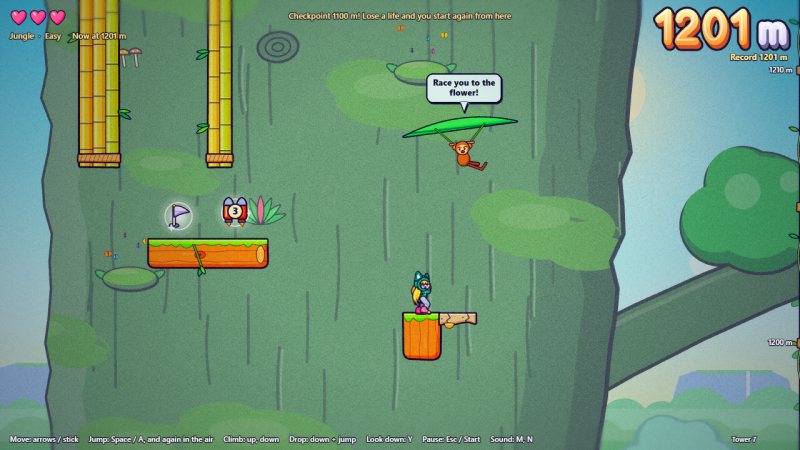
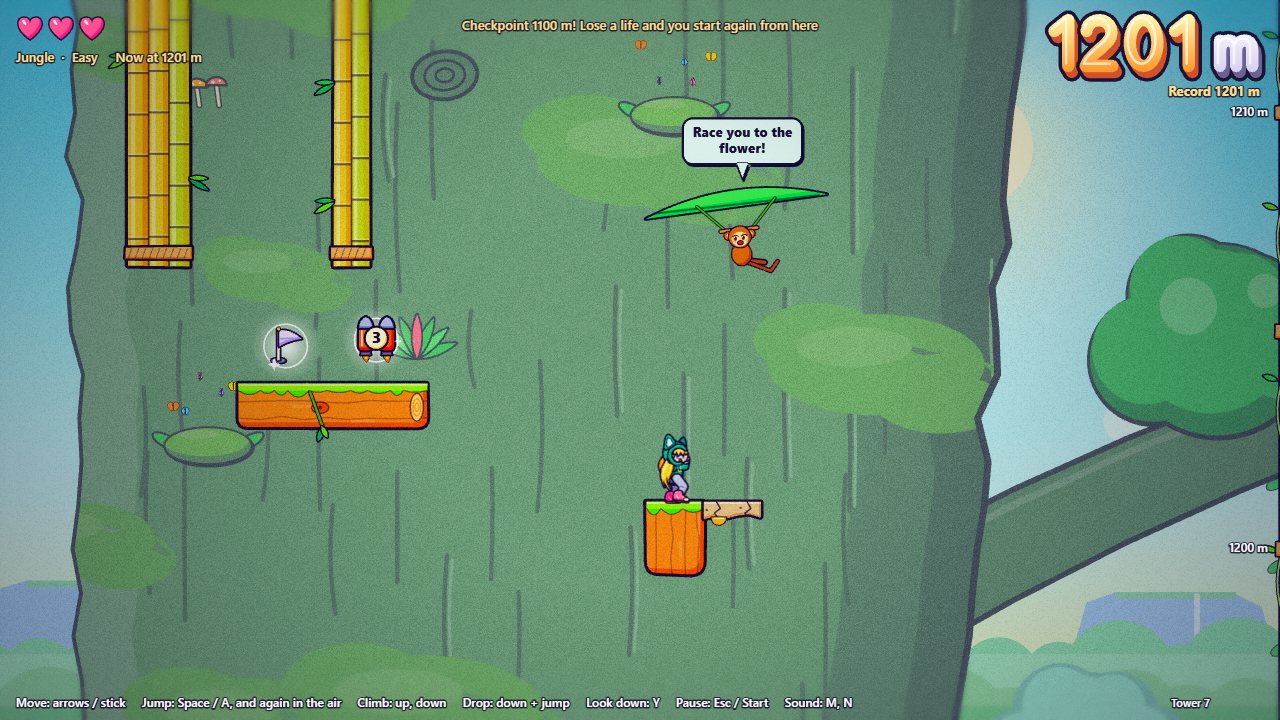
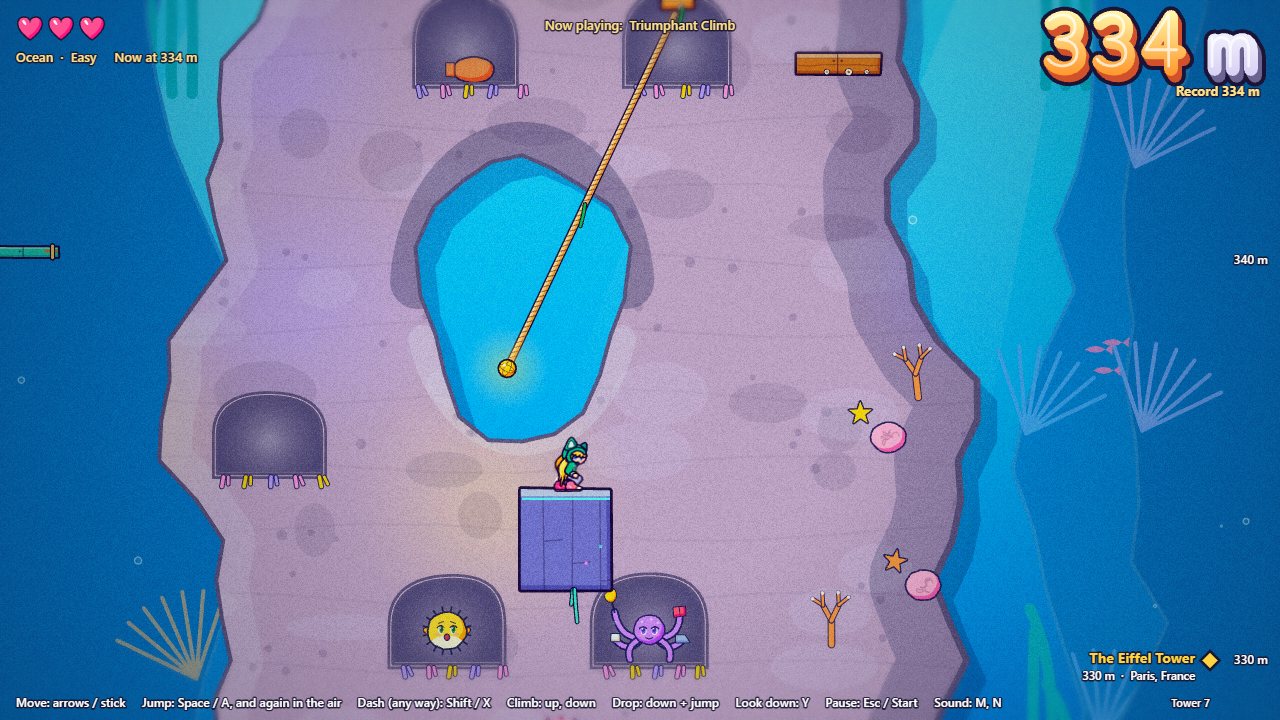
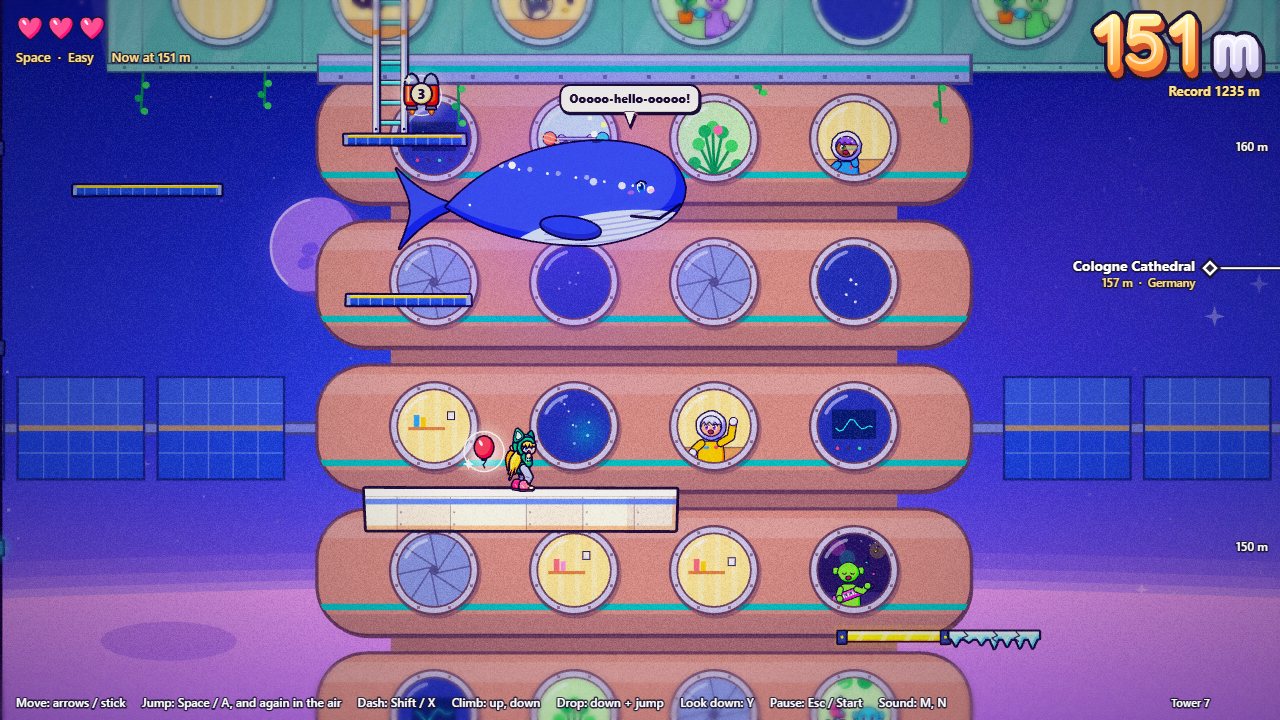
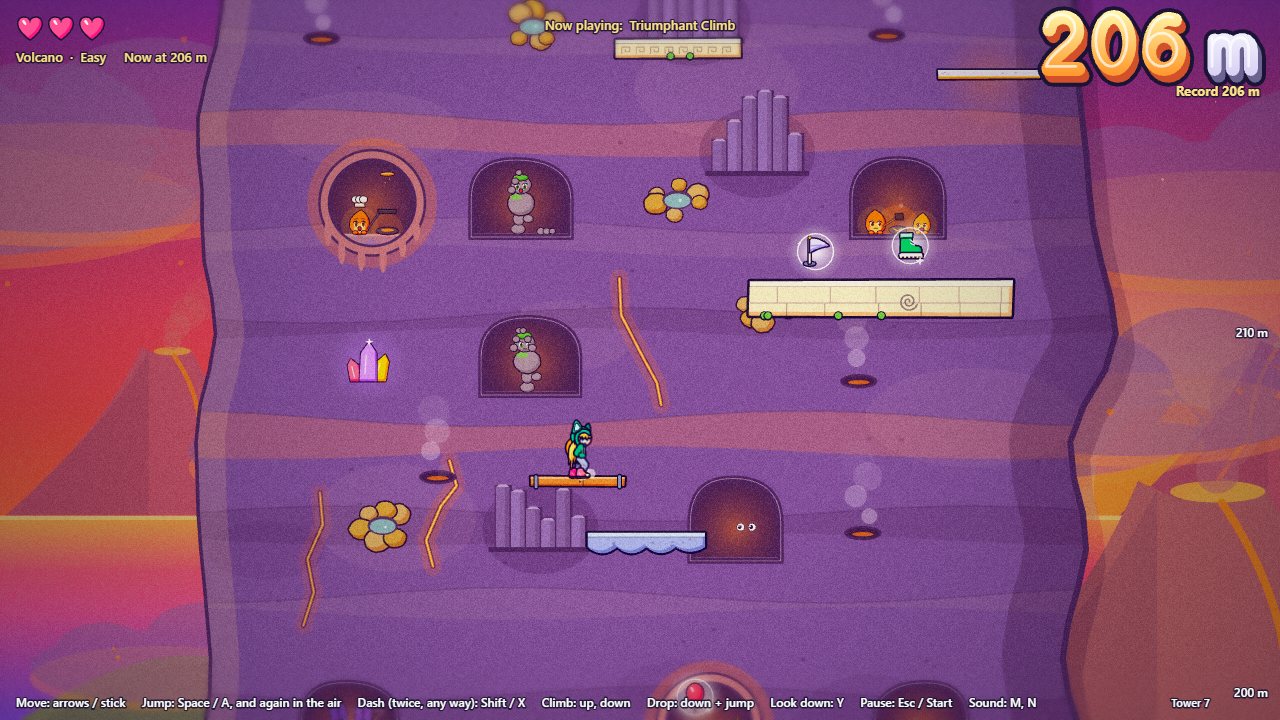
There are five towers, climbed in order: the City, the giant tree in the Jungle, the star station in Space, the deep reef in the Ocean and the fire mountain of the Volcano. Reach the top of one and you learn a new move for the next: Double Jump, then Dash, Aimed Dash and Double Dash.

The weather is what gets you. Gusts push you off ledges, rain makes everything slippery, lightning arrives with a warning and now and then the whole tower shakes. Every tower has its own version: solar wind and meteors in Space, currents and falling anchors in the Ocean, ash and lava bombs on the Volcano.

Help is scattered up the tower. A balloon catches you when a fall would cost a life, grip boots stop the slipping, a lightning rod takes a bolt for you, and a jetpack does what jetpacks do. Checkpoint flags every 100 m mean a lost life is not the end of the climb.

  • Free Climb
  • Timed Challenge
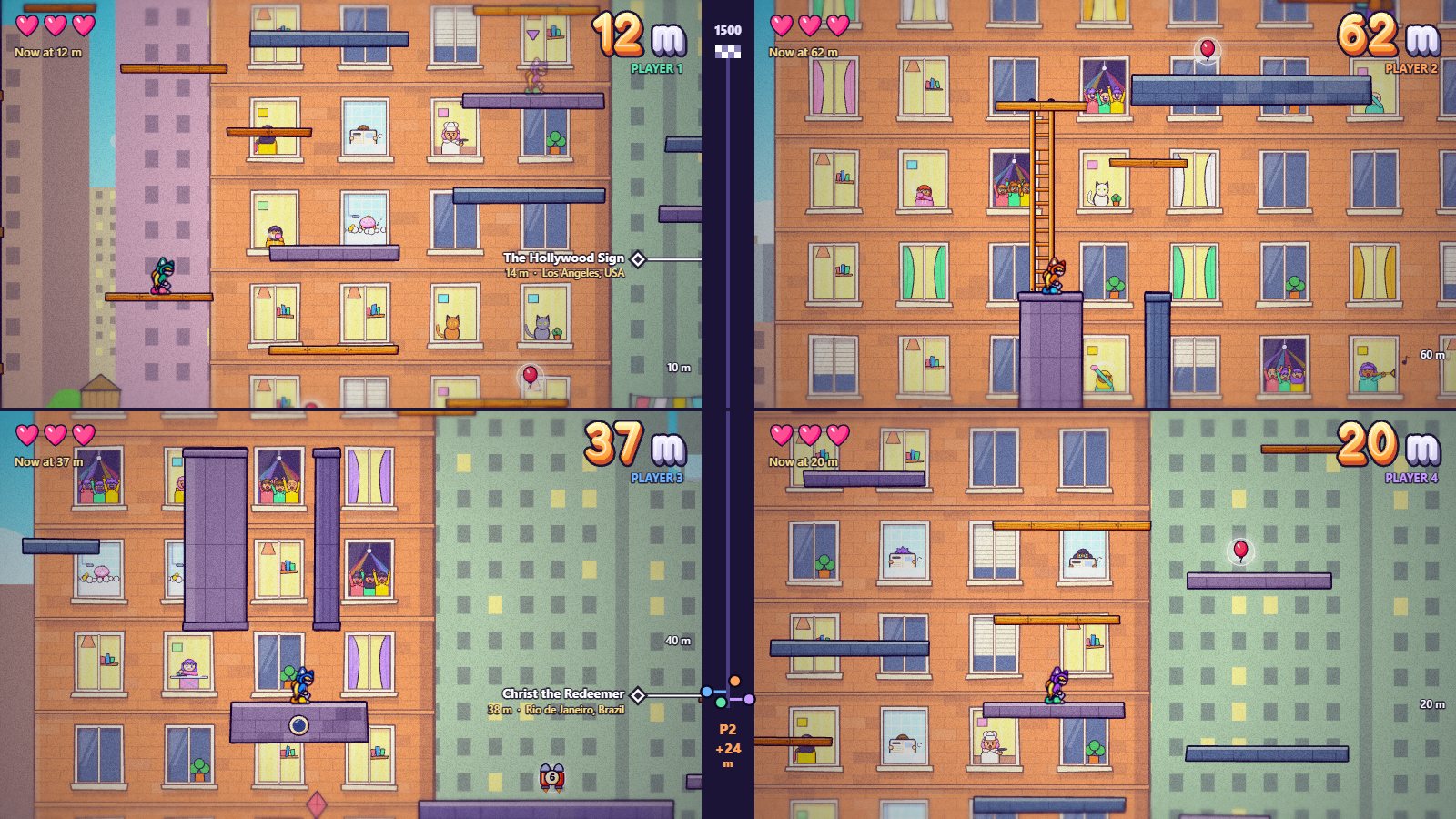
  • 2 to 4 player split screen
  • Scoreboards
  • Four difficulty levels
  • Keyboard, controller or touch
5Towers to climb
2,000 mTallest summit
4Players, one screen
4New moves to learn

// 03 · Instructions

How to play

  1. Climb

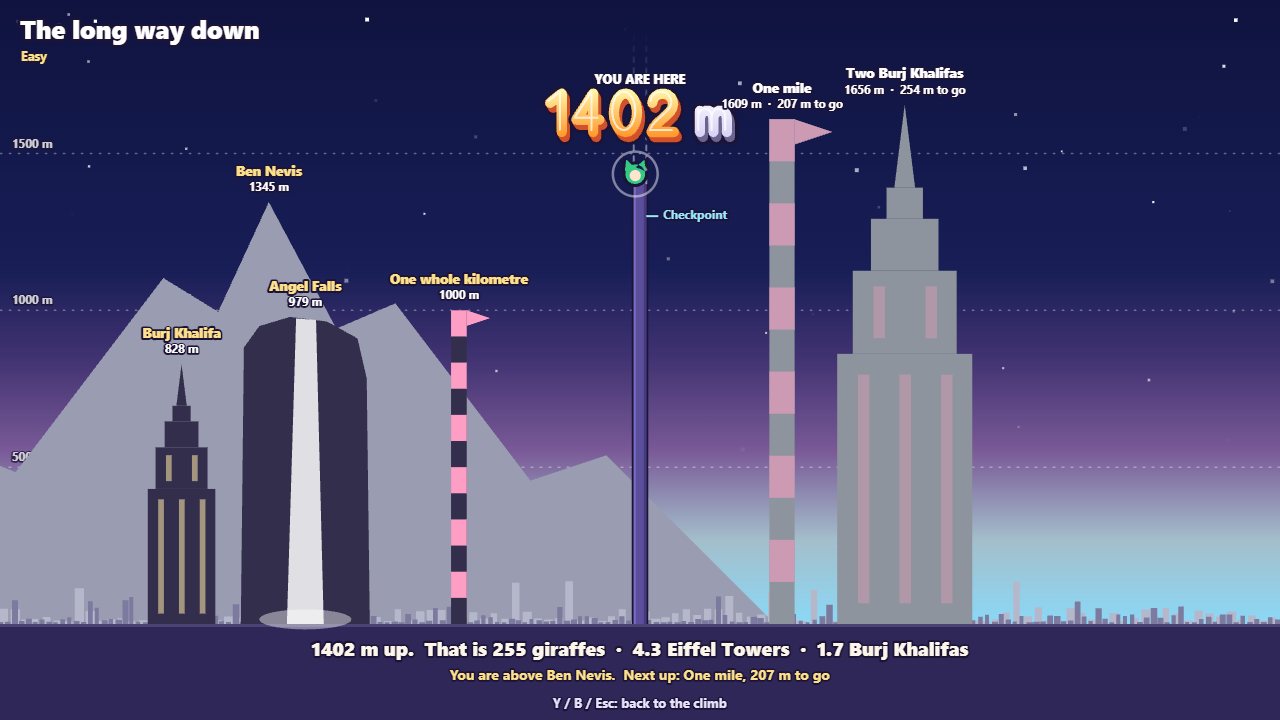
    Jump between ledges, go up ladders, swing on ropes and ride moving platforms. Your height is counted in metres, with real landmarks beside the ruler to show how far up you are.

  2. Watch the sky

    A warning comes before every gust, bolt and quake. A platform just above your head shelters you from lightning. Crumbling ledges give way a second after you land on them.

  3. Use what you find

    Pick up balloons, grip boots, lightning rods, jetpacks and extra lives on the way. Touch a checkpoint flag and that is where you start again if you lose a life.

  4. Reach the top

    Easy, Medium and Hard give you three lives. Nightmare gives you one, with no checkpoints and no pickups. Climb the spire at the summit to open the next tower.

Controls

Keyboard
Move with the arrow keys or WASD. Jump with Space. Dash with Shift. Up and down on ladders and ropes. Down + jump to drop. Y for the long way down. Esc to pause.
Controller
Xbox style. Move with the stick or D-pad. Jump with A. Dash with X. Y for the long way down. Start to pause.
Touch
A thumbstick appears under your left thumb, with jump under your right. The dash button appears once you have learned Dash.
Split screen
Press jump to join. Controllers, or two on one keyboard: Space joins the left side (WASD), Enter joins the right side (arrow keys).

// 04 · Press start

Play & install

Hoodie Heights is free, however you play it.

In your browser

Runs in your browser on a computer or a phone. On a computer you get single player plus split screen for 2 to 4 on the same screen. Scores, progress and your saved climb are kept in this browser, on this device.

▶ Play now

On your PC

The Windows version starts full screen and is the only one with online matches: one player hosts, gets a code and gives it to up to three friends.

The installer is unsigned, so Windows will check you really want it:

  1. Your browser may warn about the download. Choose to keep the file.
  2. Run the installer. If Windows shows "Windows protected your PC", click More info then Run anyway.
▼ Download for Windows

HoodieHeights-Setup-0.5.1.exe
Version 0.5.1 · 122 MB · free

On your phone

Touch controls are built in: a thumbstick under your left thumb, jump under your right. Hold your phone sideways. Add it to your home screen and it opens full screen and works offline.

  • Android (Chrome): menu ⋮ then Add to Home screen or Install app.
  • iPhone and iPad (Safari): the Share button, then Add to Home Screen.

// 05 · Questions

Frequently asked questions

Can we play together?

Yes. On a computer, 2 to 4 players can share one screen in split screen, in the browser or the Windows version, using controllers or the keyboard. Playing online between different homes needs the Windows version: one player hosts and gives the others a code. Everyone needs the same version of the game.

Is it suitable for children?

Yes, it was made with children in mind. Easy mode has rare weather, three lives and checkpoints every 100 m. Nightmare is there for the grown ups.

Does it save my progress?

Yes. The towers you have opened, your scoreboards and one saved climb are kept on the device you play on. They are not shared between your browser, your phone and the Windows version.

How can I give feedback?

Simple, just send an email to feedback@bigbadzoo.co.uk.

// 06 · Insert coin (optional)

Free to play. Donations welcome.

BigBadZoo Games

Hi! I'm one guy making games I want to play, and I'm giving them away for free. I've set up the BigBadZoo Games donation page to support my work as an independent computer game developer 🎮.

If you've had fun with any of them and you're able, please donate or share. It helps me keep building more.

Donate on GoFundMe

https://gofund.me/e8fd1570c

// 07 · More from BigBadZoo

More free games

Geometry puzzle · 1 player

Converge

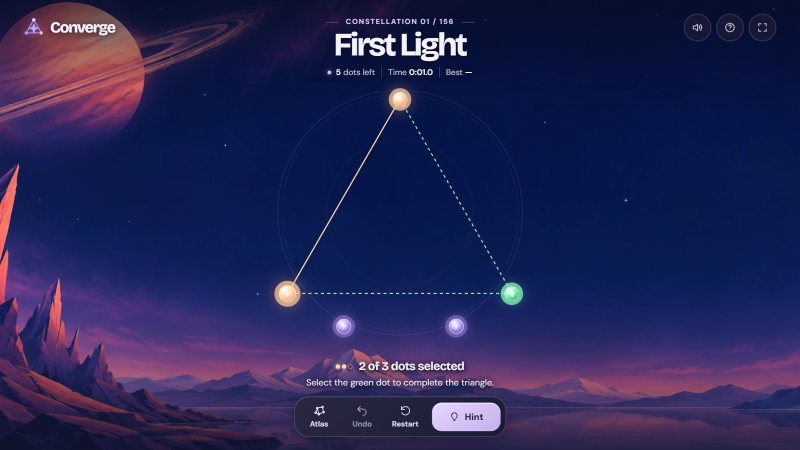
Find three dots that make an equilateral triangle and collapse them into one. Keep going until a single star is left. 156 constellations, playable with one finger.

  • Browser
  • Phone